See it
Your home at a glance.
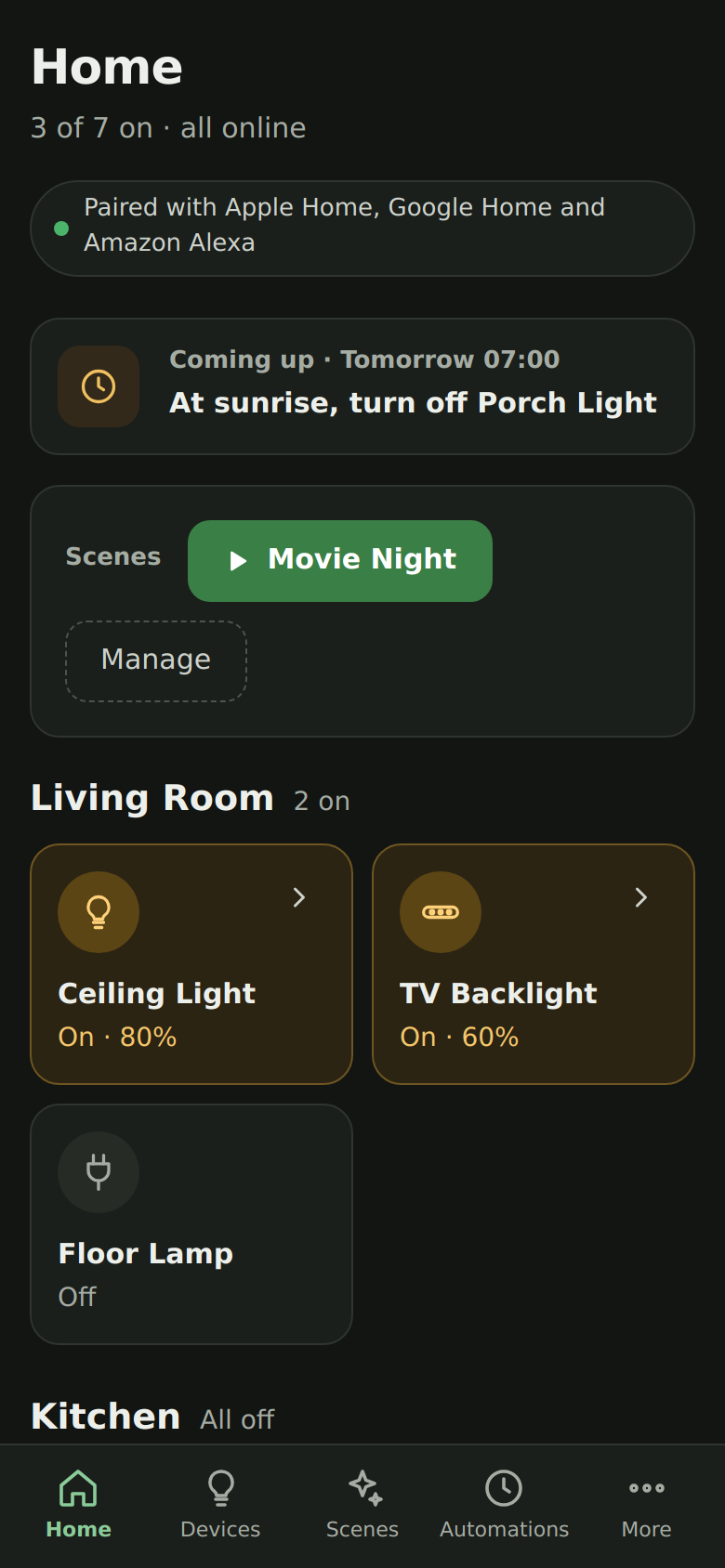
Light or dark.
Light or dark.
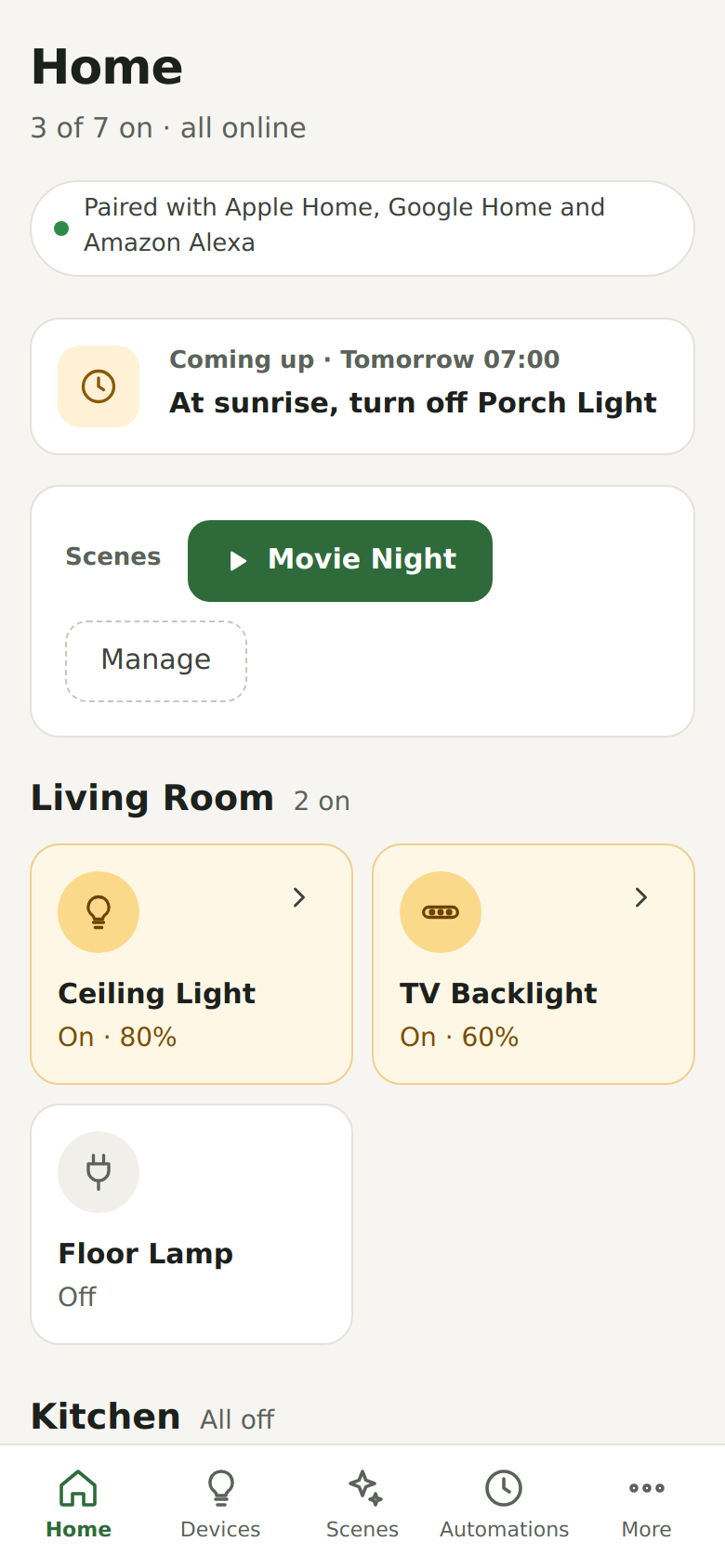
Rowan Hub connects your smart home devices to Apple Home, Google Home, and Amazon Alexa — simultaneously, from a single QR code scan. No cloud. No subscriptions. Runs on any Linux box.
Built on the open Matter standard. Pair once and every compatible platform discovers your devices automatically — no re-pairing, no per-platform config.
Devices grouped by room, automations written in plain English, and a layout built for phones as well as desktops. Light, dark or system theme. Protected by your own login — no app install required.
Time-based and solar automations that actually follow the sun. Set your location once and schedules adjust every day — and you can see exactly when each one runs next.
See every time something is switched on or off, and whether Apple Home, Alexa, Google Home, an automation or a wall switch did it. Get alerts when a device goes offline, an automation fires, or an update is available. Alerts work as a home screen app on any phone once Rowan Hub has a trusted HTTPS certificate — set one up with Tailscale or Let's Encrypt to clear self-signed certificate warnings.
Group device states into named scenes that appear as switches in Apple Home, Google Home, and Alexa. One tap to set the mood.
Drivers for WLED, Tasmota, eWeLink, Shelly, MQTT, Zigbee2MQTT, and Daikin. Each plugin is a small standalone module — easy to extend.
Run curl -fsSL https://rowanhub.co.uk/install.sh | sudo bash on any Debian or Ubuntu machine — Raspberry Pi, NAS, home server, or VM. The installer handles Node.js, avahi, Mosquitto and PM2, and runs Rowan Hub as its own unprivileged user. Already installed? Run it again and choose Upgrade in place.
Open the web UI — the setup wizard asks you to create a username and password, name the bridge and set your location. Then add devices through the browser: pick the kind of device, enter its address and give it a room.
Open the System page, scan the QR code with Apple Home, Google Home, or Alexa. All three can pair from the same code. Your devices appear in every app instantly.
LED strips with presets, colour & brightness
Switches & smart plugs, single or multi-gang
Sonoff devices, single & multi-channel
Gen1 & Gen2, relays & dimmers
Generic devices via pub/sub
Full Zigbee ecosystem via Z2M
AC units (legacy BRP069 firmware)
Write your own in ~50 lines of JS
Free, open source, and runs entirely on your own hardware.
View on GitHub